End-to-End Encryption
Sync Vault supports end-to-end encryption using the AES GCM encryption algorithm. Once encryption is enabled, your files will be stored as ciphertext in cloud storage.
IMPORTANTPlease keep your key safe. Sync Vault does not back up your key information.
In the plugin settings, select the Encryption Setting tab, click the toggle to enable encryption, then enter your password.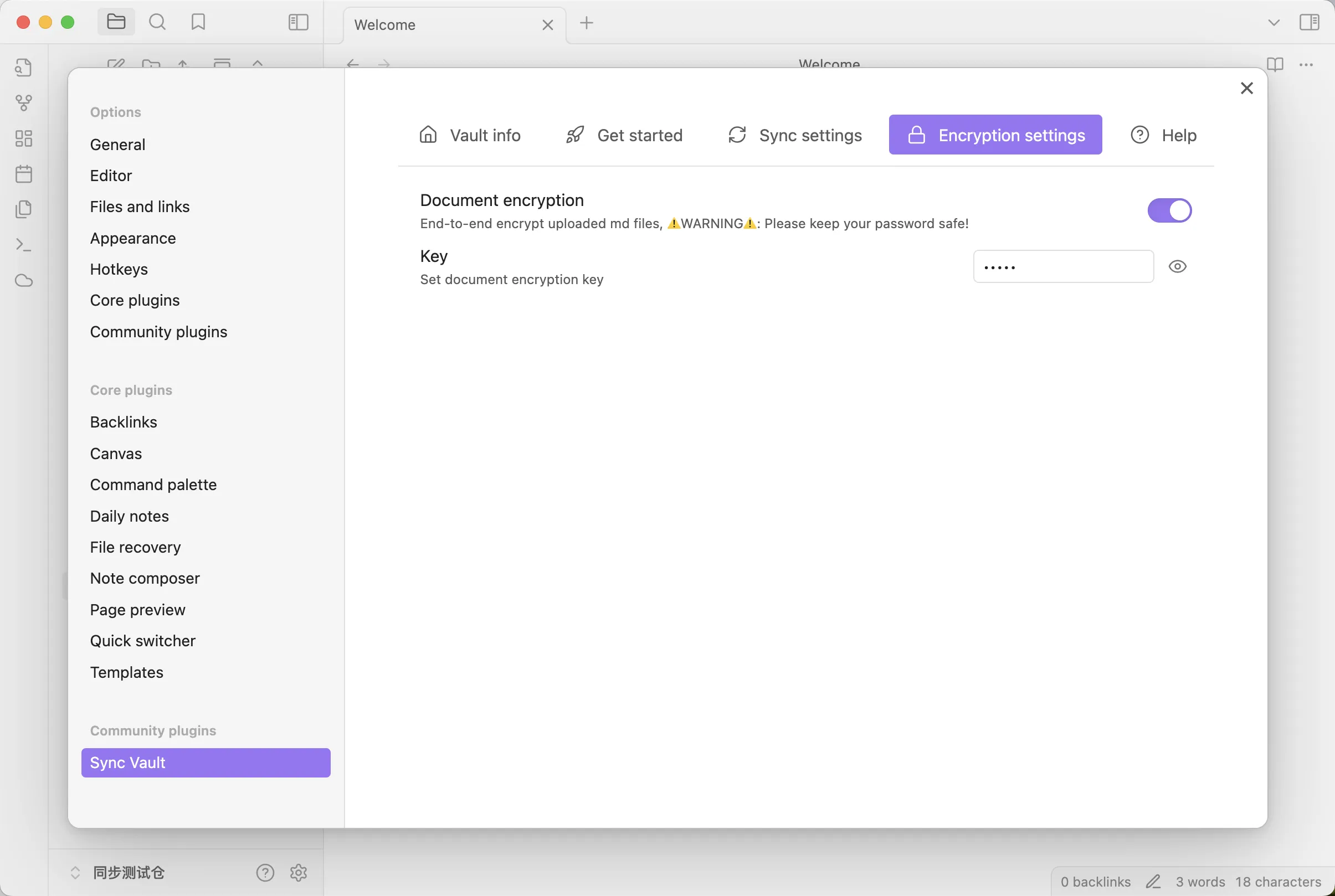
IMPORTANTThe same password must be set on other devices; otherwise, files cannot be downloaded.